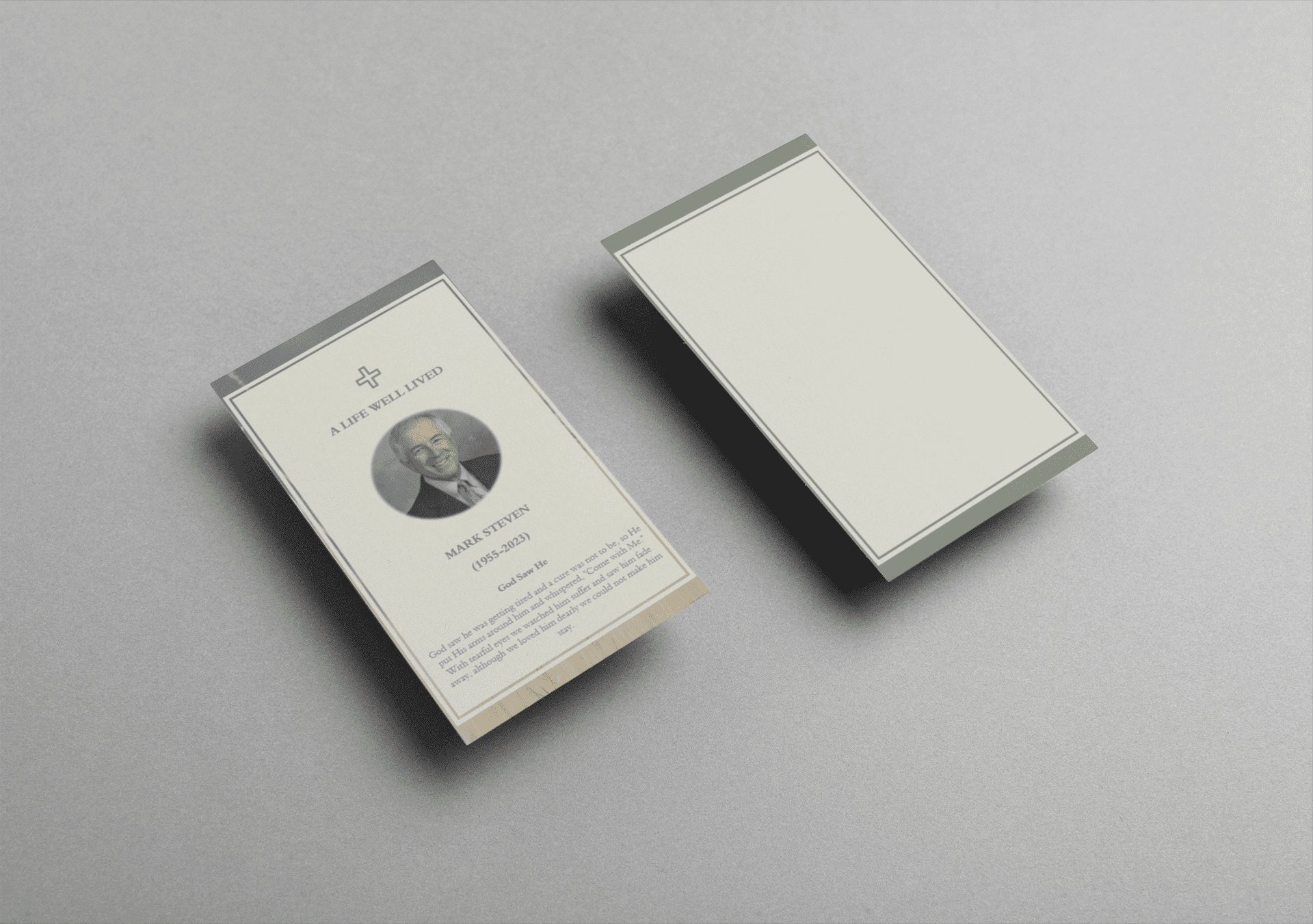
funeral card prayers

How to Write a Meaningful Obituary Using Free Templates and Funeral Programmes

Creating an obituary can be an overwhelming process, especially when trying to balance emotional expression with the necessary details. Using a template of an obituary can simplify the task, allowing you to craft a heartfelt tribute without missing any essential elements. In this article, we will guide you through using a free obituary template, provide information on funeral programmes, and help you find the right funeral home program templates.

Why Use an Obituary Template?

An obituary template serves as a guide, ensuring that the obituary includes all the necessary information while giving you the flexibility to personalize it. Whether you need a traditional or modern approach, these templates provide the structure to create a memorable tribute.

Here’s a reliable template of obituary that you can use to get started: Obituary Template.

How to Write an Obituary

An obituary is a final way to honor the life of your loved one. Using a template of obituary or free obituary template ensures that you cover the essential aspects, such as:

  1. Personal Information – Full name, age, and date of death.
  2. Birth and Life Events – Include where the deceased was born and their major life milestones.
  3. Family Members – List the close family members, including those who predeceased and those surviving.
  4. Occupation or Passions – Mention the person’s career, hobbies, and contributions to their community.
  5. Funeral Details – Include the date, time, and location of the memorial or funeral service.

To view different formats of an obituary template, you can explore this link: Free Obituary Template.

Funeral Programmes: Honoring a Loved One’s Legacy

In addition to an obituary, a funeral programme helps guide attendees through the funeral or memorial service. These programmes are often keepsakes that include a timeline of the service, readings, prayers, and images. If you are unfamiliar with the format, check out these funeral programmes for inspiration: Funeral Program Examples.

Types of Funeral Memorial Program Templates

When planning a funeral, using a funeral memorial program template can help ensure the service runs smoothly. Templates make it easy to organize information like the order of service, music selections, and personal messages.

Explore a range of options here: Funeral Memorial Program Template.

Finding the Right Template for Funeral Home Programs

Many families opt to create custom funeral programs that are shared at the service. A funeral home program template offers a structured format for including essential details like the schedule, speakers, and special notes about the deceased.

Browse available funeral home programs templates to get started: Funeral Home Program Template.

Free Obituary Templates for Every Need

If you’re seeking a no-cost option, consider using an obituary free template. These templates are designed to be both comprehensive and easy to use, ensuring you don’t overlook any critical details while crafting a meaningful obituary.

Access free obituary templates here: Obituary Free Template.

The Benefits of Using Obituary Templates

Using an obituary template offers several advantages:

  • Ease of Use: These templates simplify the process, making it easier to create an obituary during a difficult time.
  • Time-Saving: With the structure already in place, you can focus on personalizing the obituary without worrying about formatting.
  • Professional Presentation: Templates ensure that the obituary looks polished, whether it’s shared online or printed in a newspaper.

For more examples, check out these free obituary templates: Obituary Templates Free.

Crafting an obituary doesn’t have to be a daunting task. By utilizing resources like a template of obituary or funeral home programs templates, you can create a thoughtful, well-organized tribute that honors your loved one’s life.

Whether you’re looking for a funeral memorial program template or a free obituary template, these tools help guide you through the process with ease. Start your journey by exploring the templates provided here: Obituary Template.

This will ensure that the tribute you create reflects the individuality of the person you’re memorializing while also offering comfort to family and friends.
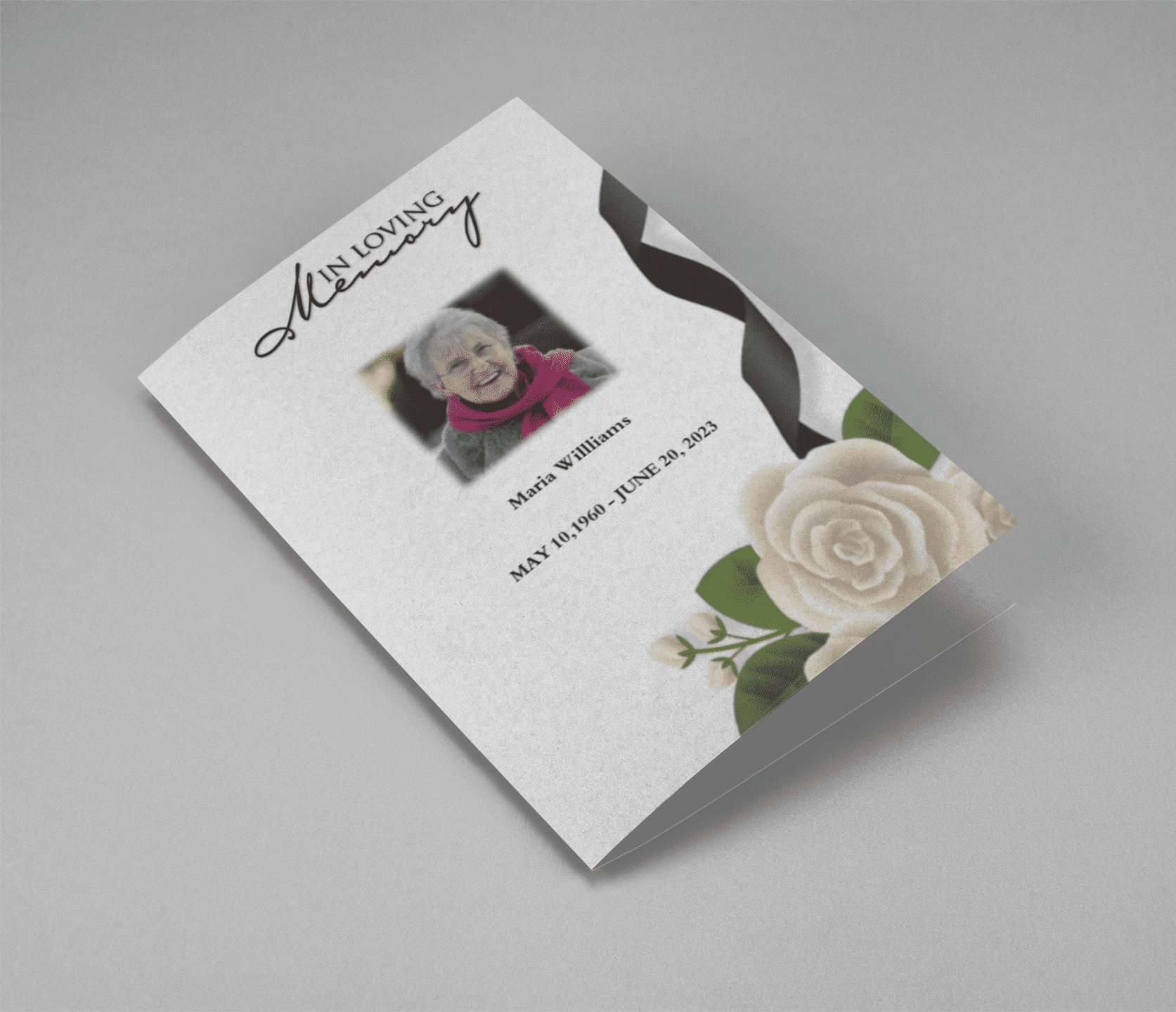
celebration of life memorial cards

Simplifying the Process of Honoring Loved Ones

Losing a loved one is an emotional and challenging experience. In such times, it’s important to focus on what truly matters—remembering and honoring the life of the person who has passed away. One way to do this is through a well-crafted obituary. However, writing an obituary from scratch can be daunting, especially when dealing with grief. This is where a free obituary template Word comes in handy. It simplifies the process, allowing you to create a meaningful tribute without the stress of formatting and structuring the content.

Why Use a Free Obituary Template Word?

Creating an obituary involves a lot of thought and detail. It must encapsulate the essence of a person’s life in a few paragraphs, highlighting their achievements, character, and the impact they had on those around them. A free obituary template Word provides a structured format that guides you through the process, ensuring that you include all necessary details.

Using a template also saves time, which is crucial when arrangements need to be made quickly. With a free obituary template Word, you can focus on the content rather than worrying about the layout or design. Moreover, Word templates are easy to use, even for those who may not be tech-savvy, making them accessible to everyone.

Check out our free obituary templates on QuickFuneral.com.

Key Features of a Good Obituary Template

When choosing a free obituary template Word, it’s important to consider the following features:

  1. Editable and Customizable: A good template should be fully editable, allowing you to customize it according to your needs. You should be able to change fonts, colors, and layouts to reflect the personality of the deceased.
  2. Structured Layout: The template should have a clear and structured layout, making it easy to fill in details such as the deceased’s name, date of birth, date of passing, and the obituary text itself.
  3. Space for Photos: Including a photo of your loved one adds a personal touch to the obituary. A good template will have a designated space for one or more photos.
  4. Guidance on Content: Some templates include prompts or suggestions for what to include in each section. This can be helpful if you’re unsure of what to write.
  5. Printable: Ensure that the template is designed to be printed easily, without any issues related to margins or alignment.

At QuickFuneral.com, we offer a variety of free obituary templates that meet all these criteria. Explore our collection here.

How to Use a Free Obituary Template Word

Using a free obituary template Word is simple and straightforward. Here’s a step-by-step guide:

  1. Download the Template: Start by downloading a template that suits your needs. At QuickFuneral.com, we offer a range of styles, from traditional to modern, ensuring you find something that feels right.
  2. Open in Microsoft Word: Once downloaded, open the template in Microsoft Word. This program is widely used and offers a familiar interface for editing the template.
  3. Fill in the Details: Begin by filling in the basic details—name, dates, and locations. Next, move on to the obituary text. You can write a brief biography, mention significant achievements, and include any special messages or quotes.
  4. Customize the Design: Customize the design to reflect the personality of your loved one. You can change the font style, size, and color, or add decorative elements like borders or backgrounds.
  5. Insert Photos: If the template allows, insert one or more photos. A picture can say a thousand words, and including a photo of your loved one can make the obituary even more meaningful.
  6. Review and Print: Once you’ve completed the template, review it for any errors or omissions. When you’re satisfied, print the obituary on high-quality paper. You can also save it as a PDF for sharing digitally.

Get started with our easy-to-use obituary templates.

Related Keywords and Their Importance

When searching for an obituary template, people often use related keywords such as free obituary template, printable obituary template, editable obituary template Word, obituary format in Word, and sample obituary template. These keywords are important because they reflect the different needs and preferences of users looking for obituary templates. By optimizing your search with these related keywords, you can find the perfect template more easily.

For instance, an editable obituary template Word is ideal for those who want to personalize the content and design. A printable obituary template ensures that the layout will look good when printed, while a sample obituary template can provide inspiration if you’re unsure where to start.

At QuickFuneral.com, we offer a wide selection of templates that cater to all these needs. Whether you’re looking for a free obituary template Word or something more specific, we have you covered. Browse our collection today.

Why QuickFuneral.com?

QuickFuneral.com is a trusted source for free obituary templates. We understand the importance of creating a beautiful and meaningful tribute, which is why we offer a variety of templates that are both easy to use and customizable. Our templates are designed to be used with Microsoft Word, ensuring that you can create a professional-looking obituary without any hassle.

Additionally, our templates are available for free, making them accessible to everyone, regardless of budget. We believe that honoring a loved one’s memory should not be a financial burden, which is why we provide high-quality templates at no cost.

Visit QuickFuneral.com to download your free obituary template.


Creating an obituary is a deeply personal task, but it doesn’t have to be overwhelming. With a free obituary template Word, you can create a meaningful and lasting tribute to your loved one without the stress of starting from scratch. These templates provide a structured and customizable format that makes the process easier, allowing you to focus on what truly matters—honoring the life of the person you’ve lost.

Whether you’re looking for a free obituary template, an editable obituary template Word, or a printable obituary template, QuickFuneral.com has a wide selection to choose from. Explore our collection today and find the perfect template to suit your needs.

Remember, an obituary is more than just an announcement of death—it’s a celebration of life. With the right template, you can create a beautiful tribute that will be cherished by friends and family for years to come.

Back to Top
Product has been added to your cart
Compare (0)