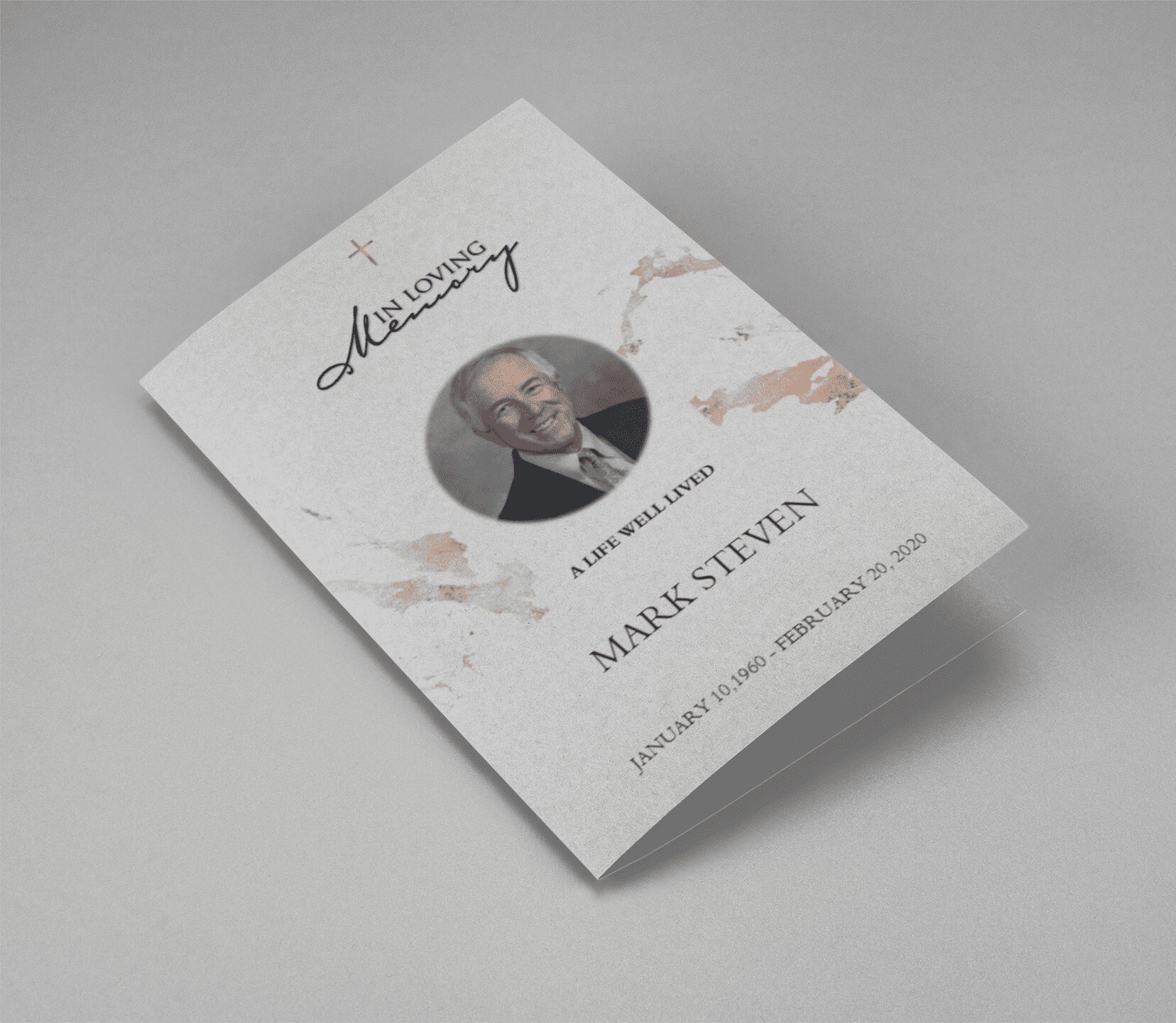
what to text someone on the day of a funeral

Step-by-Step Guide to Designing a Funeral Program in Microsoft Word

Step-by-Step Guide to Designing a Funeral Program in Microsoft Word

Creating a personalized funeral program doesn’t require expensive design software. With a [funeral program template Word free download], you can craft a meaningful tribute using tools you already have — like Microsoft Word.

1. Choose the Right Template Format

We offer editable [funeral templates Word] including:

  • [Bi-fold funeral program template]
  • [Tri-fold funeral brochure template]
  • [Funeral booklet template]

These are pre-formatted to save you time.

2. Open in Microsoft Word

Once you’ve downloaded your preferred [free funeral program template], simply open the file in MS Word. You can change text, insert photos, and modify fonts without any design experience.

3. Add Order of Service and Obituary

Use our [obituary program templates] and [funeral program wording samples] to write:

  • Service schedule
  • Obituary or life story
  • Family tributes or poems
  • Guestbook and acknowledgment messages

4. Customize the Look

Add personal touches like background colors, clipart, or borders using [editable funeral program template] features.

5. Print and Share

Export your completed file as a PDF or print it directly. Our [funeral templates free download] section supports both options for DIY printing or sharing digitally.

→ Download Free Funeral Program Templates for Word

How to Create a Funeral Program That Honors a Life Beautifully

How to Create a Funeral Program That Honors a Life Beautifully

Planning a funeral program is a meaningful way to celebrate the life of a loved one. Whether you are creating a [funeral service program template] or designing a personalized [memorial program template], it’s important to include heartfelt content and thoughtful design.

1. Choose the Right Funeral Program Template

Start by selecting a [free funeral program template] that suits your needs. Consider layout options such as [bi-fold] or [tri-fold], and decide if you need a [funeral program template Word free download] or a printable PDF version.

2. Include Personal Details and Memories

Your [funeral program sample] should include:

  • Full name of the deceased
  • Sunrise and sunset dates
  • Order of service
  • Obituary or life sketch
  • Poems, scriptures, and photos

These elements can be beautifully arranged using a [memorial service program template].

3. Use Editable Templates for Convenience

Save time and effort with [funeral program editable template] options. These let you easily update the content using Word or PDF editors, making last-minute changes stress-free.

4. Make It Printable and Shareable

Download your finalized program in high resolution from our [free funeral program templates download] section and print at home or a local print shop.

5. Find More Free Resources

We offer a wide range of:

  • [Obituary program templates]
  • [Funeral flyer templates free]
  • [Memorial service program examples]
  • [Free editable funeral program template PDF]

These are ideal whether you’re planning a [home going service template] or a [celebration of life program template free].

Conclusion

Creating a funeral program doesn’t have to be overwhelming. Use our [funeral templates free download] to simplify the process and honor your loved one’s memory with grace.

→ Explore Free Funeral Program Templates

Back to Top
Product has been added to your cart
Compare (0)