Step-by-Step Guide to Designing a Funeral Program in Microsoft Word
Step-by-Step Guide to Designing a Funeral Program in Microsoft Word
Creating a personalized funeral program doesn’t require expensive design software. With a [funeral program template Word free download], you can craft a meaningful tribute using tools you already have — like Microsoft Word.
1. Choose the Right Template Format
We offer editable [funeral templates Word] including:
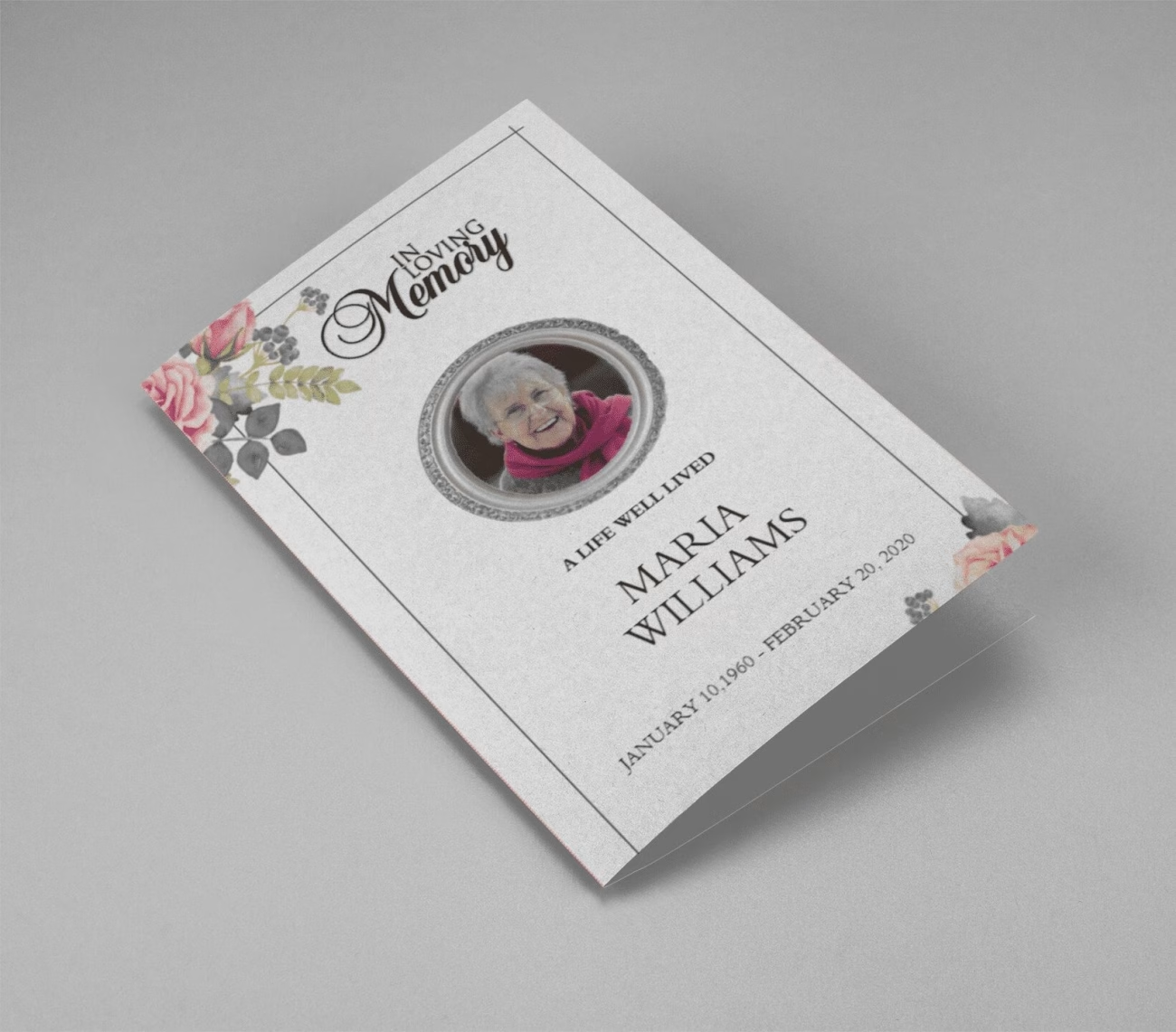
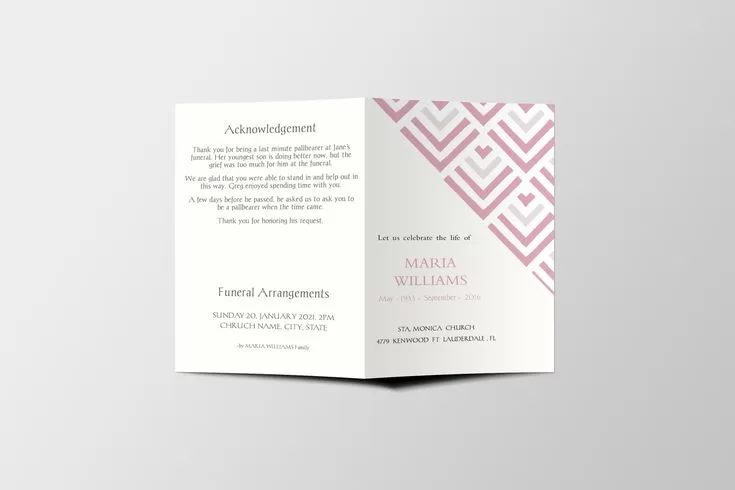
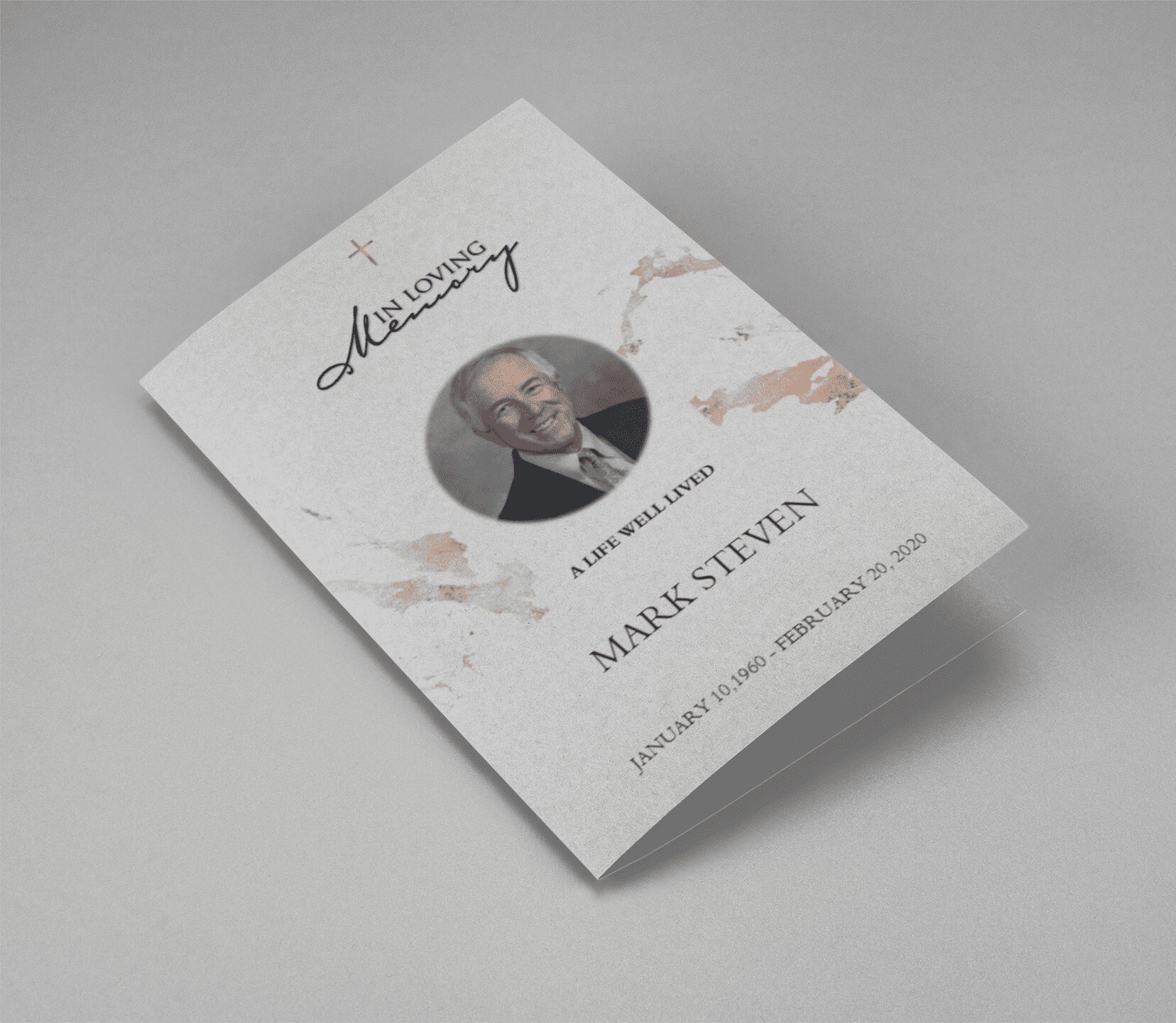
- [Bi-fold funeral program template]
- [Tri-fold funeral brochure template]
- [Funeral booklet template]
These are pre-formatted to save you time.
2. Open in Microsoft Word
Once you’ve downloaded your preferred [free funeral program template], simply open the file in MS Word. You can change text, insert photos, and modify fonts without any design experience.
3. Add Order of Service and Obituary
Use our [obituary program templates] and [funeral program wording samples] to write:
- Service schedule
- Obituary or life story
- Family tributes or poems
- Guestbook and acknowledgment messages
4. Customize the Look
Add personal touches like background colors, clipart, or borders using [editable funeral program template] features.
5. Print and Share
Export your completed file as a PDF or print it directly. Our [funeral templates free download] section supports both options for DIY printing or sharing digitally.