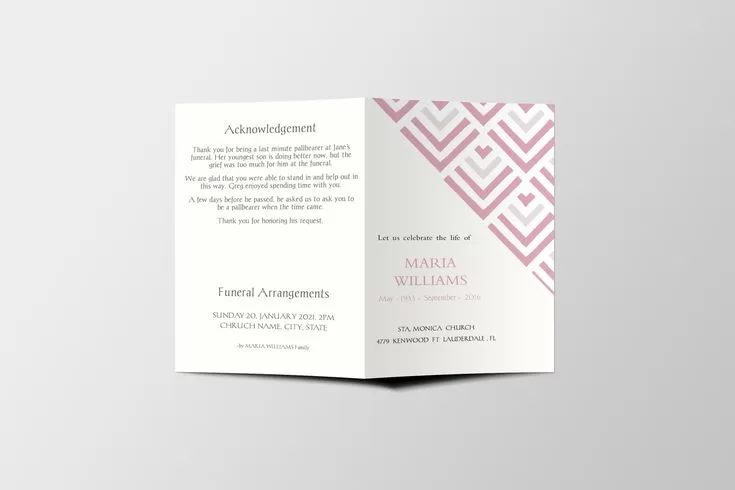
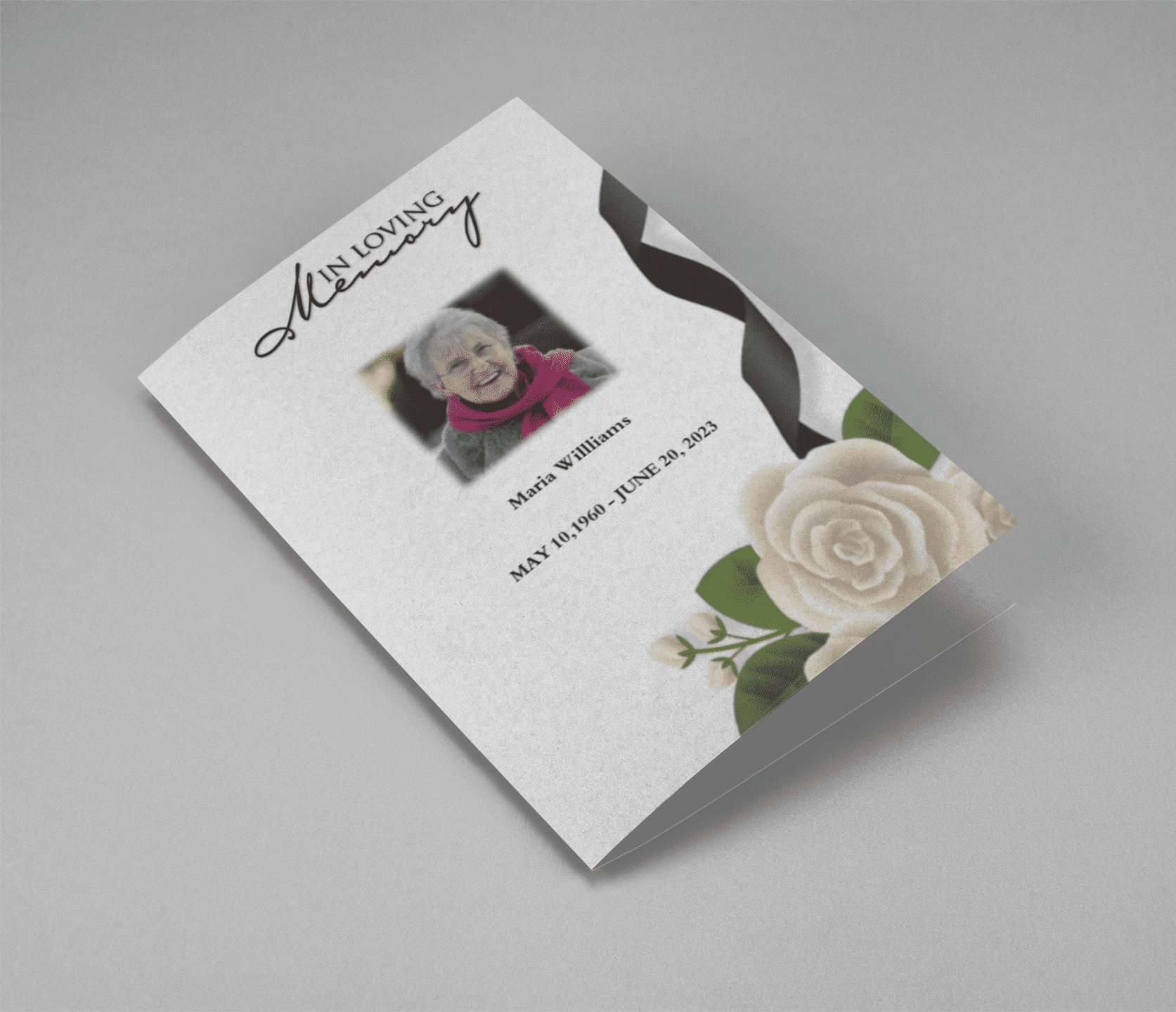
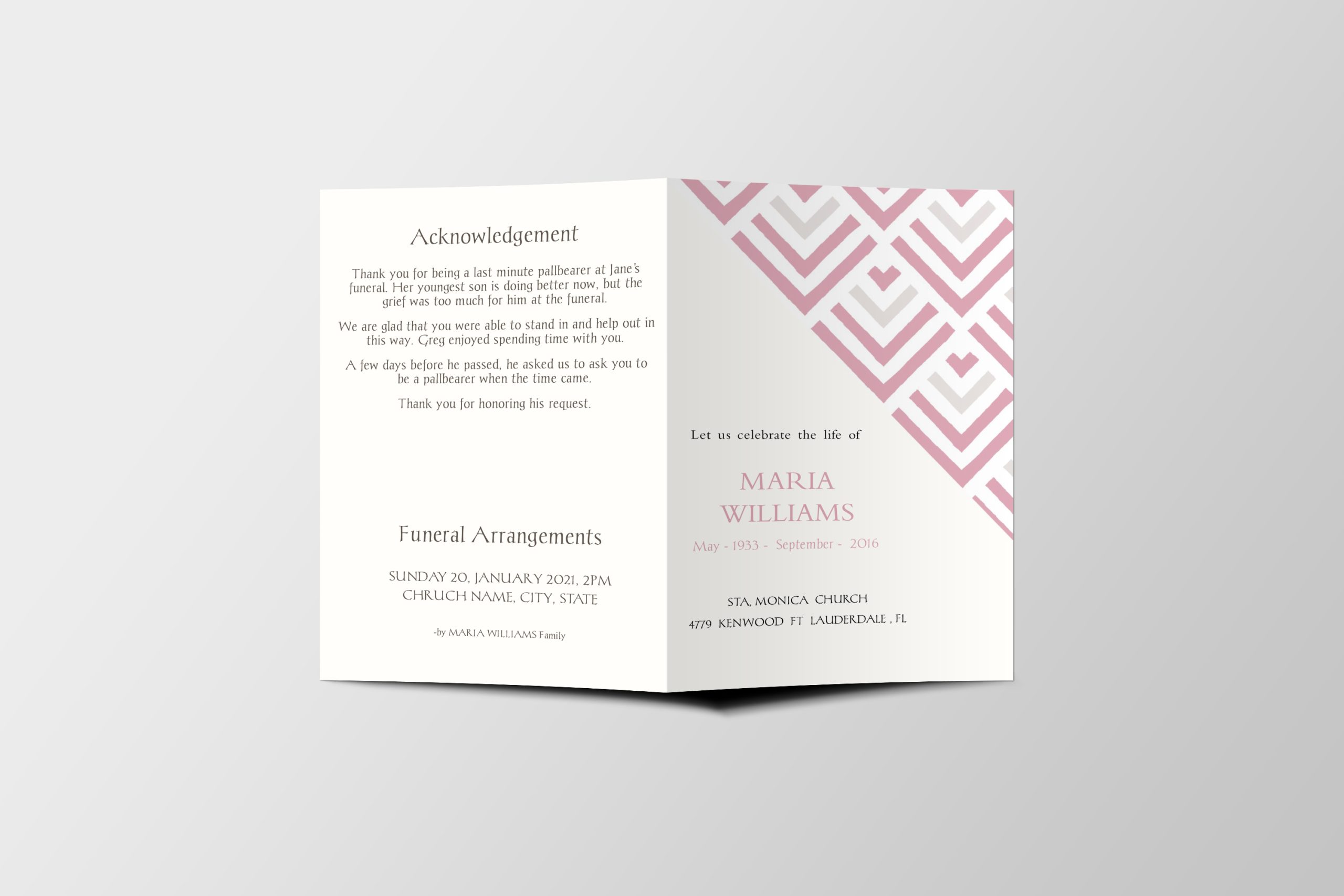
Crafting a Heartfelt Eulogy: A Guide to Honoring Your Loved One

Crafting a Heartfelt Eulogy: A Guide to Honoring Your Loved One

Writing a eulogy is a deeply personal and significant task. It is an opportunity to celebrate the life of a loved one, sharing cherished memories and honoring their legacy. At QuickFuneral.com, we understand the importance of this moment and are here to support you through the process with compassion and clarity.

Why Choose QuickFuneral.com?

At QuickFuneral.com, we offer a range of resources to help you create a meaningful eulogy. Our platform provides:

  • Comprehensive templates: Our funeral invitation templates, available here, offer a structured approach to crafting your eulogy, ensuring you cover all the essential elements.
  • AI Obituary Writer: Struggling with words? Our AI Obituary Writer can help you find the right words to express your sentiments.
  • Supportive community: Join others who are also crafting eulogies and find solace in shared experiences.

How to Create a Heartfelt Eulogy

Creating a eulogy involves several key steps:

  1. Reflect on Memories: Spend time recalling shared memories, anecdotes, and the qualities that made your loved one unique.
  2. Structure Your Eulogy: Start with an introduction, followed by personal stories, and conclude with a heartfelt goodbye. Our templates can guide you through this process.
  3. Incorporate Personal Touches: Include quotes, poems, or songs that were meaningful to the deceased. Our obituary templates can provide inspiration.
  4. Practice Your Delivery: Reading your eulogy out loud can help you feel more comfortable and confident during the actual service.

Download Your Eulogy Template Today

Ready to start writing? Download our eulogy templates from QuickFuneral.com to ensure your tribute is both heartfelt and organized. Our resources are designed to help you every step of the way, providing the support you need to honor your loved one with dignity and grace.

Visit QuickFuneral.com today to access all our eulogy writing resources and begin crafting a tribute that truly celebrates the life of your loved one.

How to Write a Funeral Program Obituary

Memorial Service at Home Ideas

Memorial Service at Home Ideas

Hosting a memorial service at home can provide a personal and intimate way to celebrate the life of a loved one. At QuickFuneral.com, we offer resources and templates to help you plan a meaningful tribute.

Why Choose Us

QuickFuneral.com provides a range of templates and tools designed to simplify the process of organizing a home memorial service. Our compassionate team is dedicated to offering support and guidance every step of the way.

  • Easy-to-use templates for invitations and programs
  • Customizable designs to reflect personal touches
  • Comprehensive printing support
  • Access to our AI Obituary Writer for crafting heartfelt tributes

How to Create a Memorable Home Service

Creating a memorial service at home involves careful planning and thoughtful touches. Here are some steps to guide you:

  1. Choose a theme or focus that reflects your loved one’s life.
  2. Use our funeral invitation templates to invite family and friends.
  3. Prepare a program using our obituary templates to outline the service.
  4. Incorporate personal elements such as photos, videos, or memorial poems.
  5. Plan for refreshments and seating arrangements to ensure comfort for guests.

Download Our Templates

Begin planning your home memorial service with our easy-to-use templates. Visit QuickFuneral.com to download and customize your materials today.

Explore Templates

funeral program template

Christian Memorial Service Songs: A Guide to Uplifting Tributes

Christian Memorial Service Songs: A Guide to Uplifting Tributes

Music plays a pivotal role in memorial services, offering solace and reflection. At QuickFuneral.com, we understand the importance of selecting the right Christian songs to honor your loved one’s life and faith.

Why Choose Us for Your Memorial Needs

At QuickFuneral.com, we provide a comprehensive range of resources to help you plan a meaningful memorial service. From funeral invitation templates to obituary templates, our tools are designed to ease the planning process during this difficult time.

How to Create a Memorable Service with Music

Choosing the right songs for a Christian memorial service can bring comfort and hope to attendees. Consider hymns that reflect the faith and personality of your loved one. You can pair these selections with personalized funeral programs using our templates to create a cohesive and heartfelt tribute.

Download and Plan Your Memorial Service

Start planning today by exploring our range of templates and resources. Visit our AI Obituary Writer to craft a heartfelt obituary, or browse our funeral invitation templates to find the perfect design.

Let QuickFuneral.com assist you in creating a service that truly honors and celebrates the life of your loved one.

Why QuickFuneral.com Is Better Than Canva for Creating Funeral Programs

Looking to Create a Funeral Program? Here’s Why QuickFuneral.com Is the Better Choice Over Canva

When a loved one passes away, every moment counts. Creating a meaningful and respectful funeral program shouldn’t be complicated. While platforms like Canva offer a wide range of design tools, they aren’t always built for the specific needs of creating a funeral or obituary template.

That’s where QuickFuneral.com stands out — offering an easier, faster, and more guided experience for families during difficult times.

✅ Quick Comparison: QuickFuneral.com vs. Canva

Feature QuickFuneral.com Canva
Purpose Built exclusively for funeral & obituary templates General design platform
Ease of Use Beginner-friendly and focused Requires design know-how
Pre-Written Content Offers poems, obituaries, and order of service examples No content guidance available
Print-Ready Files PDF/Word formats, US Letter size, instant download May need adjustments for print margins
No Login Required Yes Requires account sign-up
Funeral Tools Obituary writer, memorial cards, eulogy templates Not available

🌟 Why Families Choose QuickFuneral.com

When you visit QuickFuneral.com’s Free Funeral Program Templates, you’ll find a collection of pre-designed, customizable templates made specifically for memorial services. Whether you need a:

  • Bi-fold funeral program
  • Tri-fold layout
  • Single-page obituary template
  • Prayer or memorial card

…you can get everything done without learning graphic design.

✍️ Not Sure What to Write?

Use their built-in tools like the Obituary Template to guide you step-by-step. You can simply fill in names, dates, and memories — and your printable obituary is ready in minutes.

🕊️ A Stress-Free Solution During Difficult Times

Unlike Canva, which requires you to build everything from scratch (or adjust general templates), QuickFuneral.com is designed with grieving families in mind. No design experience needed. No account required. Just print-ready funeral program templates — fast, respectful, and beautiful.

📥 Start for Free

Visit QuickFuneral.com today and explore dozens of free funeral program designs to help you honor your loved one without added stress.

celebration of life memorial cards

Simplifying the Process of Honoring Loved Ones

Losing a loved one is an emotional and challenging experience. In such times, it’s important to focus on what truly matters—remembering and honoring the life of the person who has passed away. One way to do this is through a well-crafted obituary. However, writing an obituary from scratch can be daunting, especially when dealing with grief. This is where a free obituary template Word comes in handy. It simplifies the process, allowing you to create a meaningful tribute without the stress of formatting and structuring the content.

Why Use a Free Obituary Template Word?

Creating an obituary involves a lot of thought and detail. It must encapsulate the essence of a person’s life in a few paragraphs, highlighting their achievements, character, and the impact they had on those around them. A free obituary template Word provides a structured format that guides you through the process, ensuring that you include all necessary details.

Using a template also saves time, which is crucial when arrangements need to be made quickly. With a free obituary template Word, you can focus on the content rather than worrying about the layout or design. Moreover, Word templates are easy to use, even for those who may not be tech-savvy, making them accessible to everyone.

Check out our free obituary templates on QuickFuneral.com.

Key Features of a Good Obituary Template

When choosing a free obituary template Word, it’s important to consider the following features:

  1. Editable and Customizable: A good template should be fully editable, allowing you to customize it according to your needs. You should be able to change fonts, colors, and layouts to reflect the personality of the deceased.
  2. Structured Layout: The template should have a clear and structured layout, making it easy to fill in details such as the deceased’s name, date of birth, date of passing, and the obituary text itself.
  3. Space for Photos: Including a photo of your loved one adds a personal touch to the obituary. A good template will have a designated space for one or more photos.
  4. Guidance on Content: Some templates include prompts or suggestions for what to include in each section. This can be helpful if you’re unsure of what to write.
  5. Printable: Ensure that the template is designed to be printed easily, without any issues related to margins or alignment.

At QuickFuneral.com, we offer a variety of free obituary templates that meet all these criteria. Explore our collection here.

How to Use a Free Obituary Template Word

Using a free obituary template Word is simple and straightforward. Here’s a step-by-step guide:

  1. Download the Template: Start by downloading a template that suits your needs. At QuickFuneral.com, we offer a range of styles, from traditional to modern, ensuring you find something that feels right.
  2. Open in Microsoft Word: Once downloaded, open the template in Microsoft Word. This program is widely used and offers a familiar interface for editing the template.
  3. Fill in the Details: Begin by filling in the basic details—name, dates, and locations. Next, move on to the obituary text. You can write a brief biography, mention significant achievements, and include any special messages or quotes.
  4. Customize the Design: Customize the design to reflect the personality of your loved one. You can change the font style, size, and color, or add decorative elements like borders or backgrounds.
  5. Insert Photos: If the template allows, insert one or more photos. A picture can say a thousand words, and including a photo of your loved one can make the obituary even more meaningful.
  6. Review and Print: Once you’ve completed the template, review it for any errors or omissions. When you’re satisfied, print the obituary on high-quality paper. You can also save it as a PDF for sharing digitally.

Get started with our easy-to-use obituary templates.

Related Keywords and Their Importance

When searching for an obituary template, people often use related keywords such as free obituary template, printable obituary template, editable obituary template Word, obituary format in Word, and sample obituary template. These keywords are important because they reflect the different needs and preferences of users looking for obituary templates. By optimizing your search with these related keywords, you can find the perfect template more easily.

For instance, an editable obituary template Word is ideal for those who want to personalize the content and design. A printable obituary template ensures that the layout will look good when printed, while a sample obituary template can provide inspiration if you’re unsure where to start.

At QuickFuneral.com, we offer a wide selection of templates that cater to all these needs. Whether you’re looking for a free obituary template Word or something more specific, we have you covered. Browse our collection today.

Why QuickFuneral.com?

QuickFuneral.com is a trusted source for free obituary templates. We understand the importance of creating a beautiful and meaningful tribute, which is why we offer a variety of templates that are both easy to use and customizable. Our templates are designed to be used with Microsoft Word, ensuring that you can create a professional-looking obituary without any hassle.

Additionally, our templates are available for free, making them accessible to everyone, regardless of budget. We believe that honoring a loved one’s memory should not be a financial burden, which is why we provide high-quality templates at no cost.

Visit QuickFuneral.com to download your free obituary template.


Creating an obituary is a deeply personal task, but it doesn’t have to be overwhelming. With a free obituary template Word, you can create a meaningful and lasting tribute to your loved one without the stress of starting from scratch. These templates provide a structured and customizable format that makes the process easier, allowing you to focus on what truly matters—honoring the life of the person you’ve lost.

Whether you’re looking for a free obituary template, an editable obituary template Word, or a printable obituary template, QuickFuneral.com has a wide selection to choose from. Explore our collection today and find the perfect template to suit your needs.

Remember, an obituary is more than just an announcement of death—it’s a celebration of life. With the right template, you can create a beautiful tribute that will be cherished by friends and family for years to come.

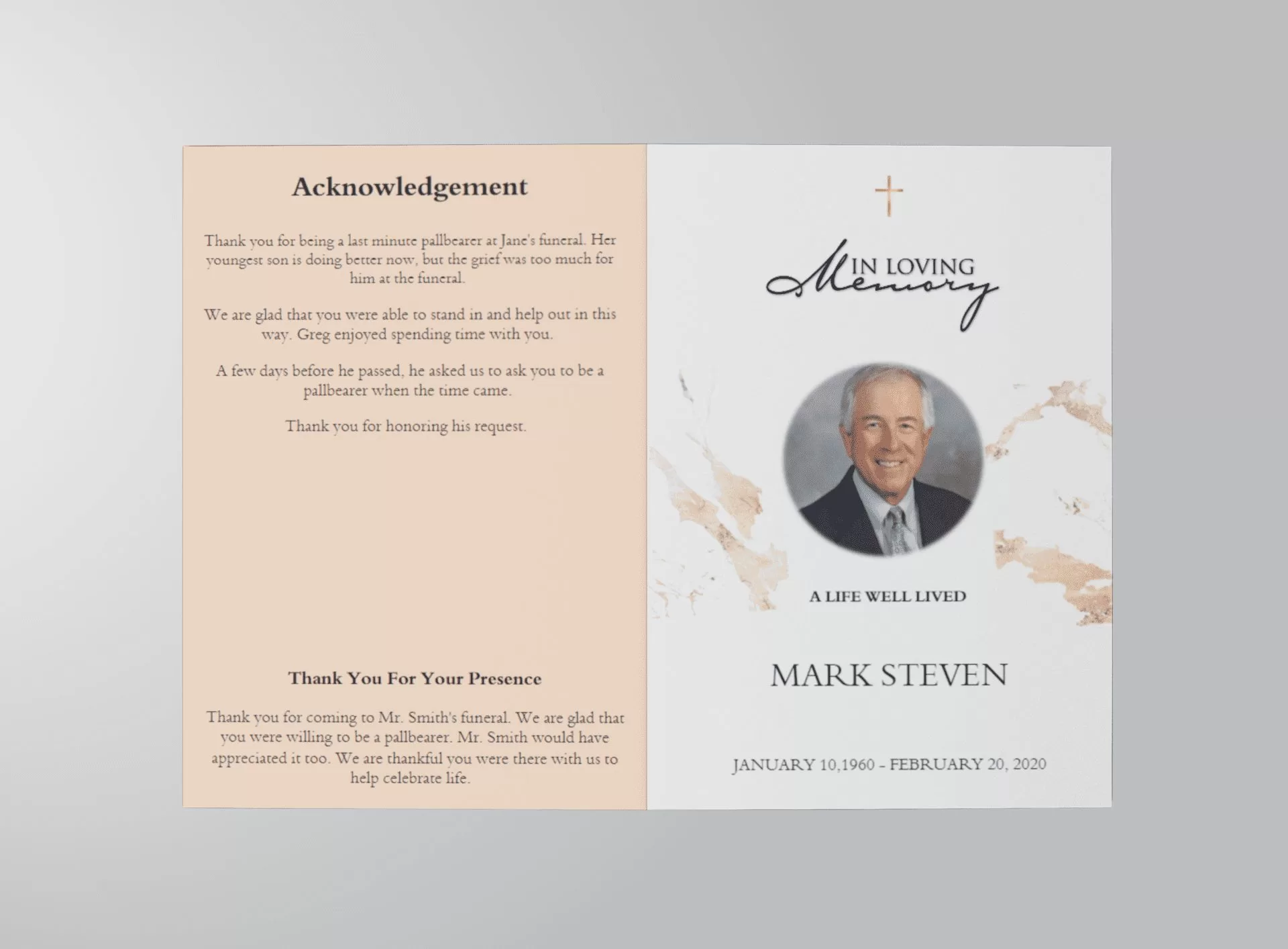
funeral guest book

The Ultimate Guide to Free Editable Funeral Program Templates

Losing a loved one is an emotionally challenging time, and organizing a funeral can be overwhelming. One essential aspect of funeral planning is creating a meaningful and personalized funeral program. Thankfully, with the advent of digital tools, you can now access a variety of free editable funeral program templates that simplify this process.

In this comprehensive guide, we’ll explore the benefits of using funeral program templates, how to customize them effectively, and where to find the best free options. Whether you’re looking for funeral brochure templates, printable funeral program templates, or DIY funeral program templates, we’ve got you covered.


Why Use a Funeral Program Template?

Creating a funeral program from scratch can be daunting, especially when you’re grieving. Templates offer a structured and aesthetically pleasing format that can be easily customized to reflect the life and personality of your loved one. Here are some reasons to consider using a funeral program template:

  1. Time-Efficient: Templates save you valuable time by providing a ready-made structure.
  2. Cost-Effective: Many templates are available for free or at a minimal cost.
  3. User-Friendly: Even without design experience, you can create a professional-looking program.
  4. Personalization: Templates allow for customization, ensuring the program resonates with the deceased’s memory.

Types of Funeral Program Templates

There’s a wide array of funeral service program templates available to suit different needs and preferences. Let’s delve into some popular types:

  1. Bi-Fold Templates: These are standard letter-sized sheets folded in half, offering four panels for content. They are simple yet elegant.
  2. Tri-Fold Templates: Providing six panels, tri-fold templates are ideal for those who wish to include more information or photos.
  3. Gatefold Templates: These open like gates, adding a unique touch to the program.
  4. Graduated Fold Templates: Featuring tabs that peek out from the side, they offer a layered look.
  5. Booklet Templates: For a comprehensive tribute, booklets with multiple pages are perfect.

Each template type serves a different purpose, and your choice should align with the tone and content you wish to include.


Customizing Your Funeral Program Template

Once you’ve selected a printable funeral program template, it’s time to personalize it. Here’s a step-by-step guide:

  1. Gather Essential Information: This includes the full name of the deceased, birth and death dates, details of the funeral service, and any special messages or quotes.
  2. Select Meaningful Photos: Choose high-quality images that capture the essence of your loved one.
  3. Outline the Order of Service: Detail the sequence of events during the funeral, including readings, hymns, and speeches.
  4. Add Obituary or Life Story: Share a brief biography or memorable anecdotes.
  5. Incorporate Special Messages: This could be a poem, scripture, or a note of thanks to attendees.
  6. Review and Proofread: Ensure all details are accurate and free from errors.

Many templates are compatible with software like Microsoft Word, Adobe Photoshop, or even Google Docs, making the editing process straightforward.


Where to Find Free Editable Funeral Program Templates

Finding high-quality, free funeral program templates can be a challenge. However, QuickFuneral.com offers an extensive collection of editable funeral program templates that cater to diverse needs.

Features of QuickFuneral.com’s Templates:

  • Variety: From funeral brochure templates to DIY funeral program templates, there’s something for everyone.
  • Ease of Use: The templates are designed for easy customization, even for beginners.
  • High-Quality Designs: Professional layouts ensure your program looks polished and respectful.
  • Immediate Download: Access and start editing your chosen template instantly.

By choosing QuickFuneral.com, you’re ensuring a seamless and stress-free experience during a challenging time.


Tips for Designing a Memorable Funeral Program

To create a program that truly honors your loved one, consider the following tips:

  1. Reflect Their Personality: Use colors, images, and fonts that resonate with the deceased’s character and preferences.
  2. Keep It Organized: Ensure the information flows logically, making it easy for attendees to follow.
  3. Limit Text: While it’s essential to share stories and details, avoid overcrowding the pages.
  4. Seek Feedback: Before finalizing, have family members review the program to ensure it captures the essence of your loved one.
  5. Consider Printing Needs: If you’re printing at home, ensure your equipment can handle the design. Alternatively, consult with a professional printer.

Frequently Asked Questions (FAQs)

Q1: Can I use these templates for other memorial services?

A: Absolutely! The funeral service program templates are versatile and can be adapted for memorials, wakes, or celebration of life events.

Q2: Are the templates compatible with different software?

A: Yes, most templates are designed to be compatible with popular software like Microsoft Word, Adobe Photoshop, and Google Docs.

Q3: How do I print the programs?

A: After customizing your printable funeral program template, you can print them at home or consult with a local printing service for a more professional finish.

Creating a heartfelt funeral program is a meaningful way to honor and remember your loved one. With the availability of free editable funeral program templates, this task becomes more manageable, allowing you to focus on what truly matters during this time of reflection and remembrance.

For a diverse selection of high-quality, customizable templates, visit QuickFuneral.com. Their user-friendly designs ensure you craft a program that resonates with love, respect, and cherished memories.

Back to Top
Product has been added to your cart
Compare (0)