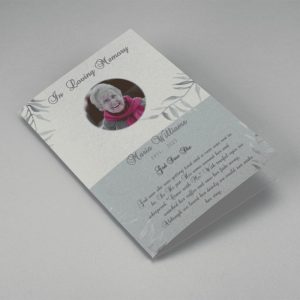
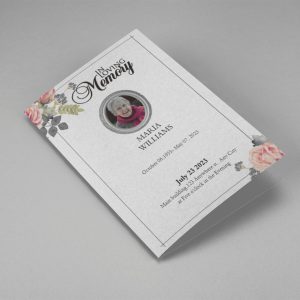
Funeral Program Template PDF
When facing the loss of a loved one, creating a meaningful and well-structured funeral program is a way to pay a heartfelt tribute.
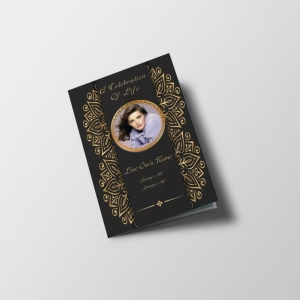
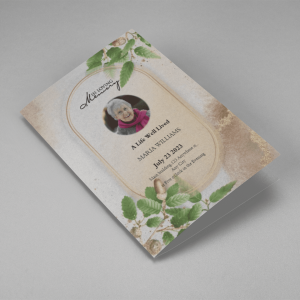
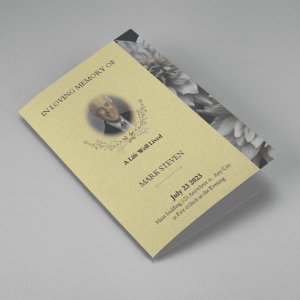
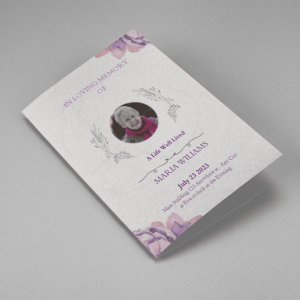
A Funeral Program Template PDF format provides a convenient and accessible way to create a respectful tribute to a departed loved one. PDFs preserve layout and design integrity, ensuring that the program retains its visual appeal across different devices and platforms. They’re easy to share digitally and can be printed with consistent formatting. These templates allow for personalization, including the addition of the deceased’s information, photographs, and heartfelt messages. Whether shared electronically or in print, a funeral program in PDF offers a timeless and dignified means of honoring and remembering the life and legacy of the departed during a challenging time.
Why Choose a Funeral Program Template in PDF?
- PDF (Portable Document Format) is universally accessible across various devices and platforms. This ensures that anyone can view and print the program without compatibility issues.
- PDFs maintain the layout, fonts, and formatting, ensuring that the funeral program’s design remains consistent and intact regardless of the device or software used.
- PDFs can be password-protected or encrypted, allowing you to safeguard sensitive information or maintain privacy if necessary.
- PDFs are easily shared via email or other digital means, making it convenient to distribute funeral programs to friends and family who may not be able to attend the service in person.
Creating a Funeral Program Template in PDF
Select a Template
Begin by choosing a funeral program template in PDF format. Numerous templates are available online, some of which are free, while others may require a purchase or download.
Customize Content
Open the template in a PDF editor or viewer that supports editing. Personalize the program by adding details such as the deceased’s name, dates of birth and passing, and any other relevant information.
Sections and Content
Organize the program into sections, including the order of service, eulogy, obituary, acknowledgments, and any other information you wish to include. Insert or edit text as needed.
Design Elements
Enhance the program’s appearance by adding design elements like borders, images, or background colors. Ensure that the design is respectful and tasteful.
Font and Styling
Select fonts and styles that are easy to read. Maintain a consistent style throughout the program for a polished look.
Photos and Graphics
Incorporate photos or graphics that reflect the life and personality of the deceased. These visuals add a personal touch and make the program more meaningful.
Final Review
Carefully review the PDF for errors, typos, or formatting issues. Make any necessary adjustments.
Saving and Distribution of Funeral Template
Saving and distributing a funeral program template in PDF format is a straightforward process. After customizing the template with the deceased’s information, photos, and other personal touches, you save the PDF document. This step ensures that the program’s layout and design remain intact and consistent. For distribution, you can print copies on quality paper for attendees at the funeral service. Additionally, PDFs offer the advantage of easy digital sharing. You can email the PDF to friends and family who cannot attend the service in person, ensuring that everyone can access and cherish this meaningful tribute, regardless of their location.
Funeral Templates