
Funeral Booklets
Funeral booklets are multiple sheets of paper—often letter size—folded together to form a booklet. They’re a meaningful way to share memorial tributes and include important events and accomplishments.
If you’re preparing during the funeral planning stage, start with a template to make the process more manageable. Jump to the template section: Use a template.
- What funeral booklets are
- How templates reduce layout work
- How to add photos and family tributes
- What to know about Microsoft Word
- How to print at home (including double-sided)
Use a funeral booklet template (it saves time)
Creating a funeral booklet from scratch can be difficult—especially when planning time is limited. A template gives you a ready-made layout and format, so you can focus on the content.
With a template, the main tasks are:
- Insert your text information
- Add related photos


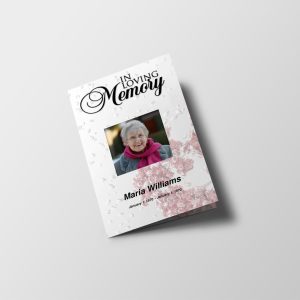
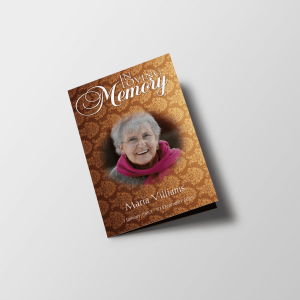
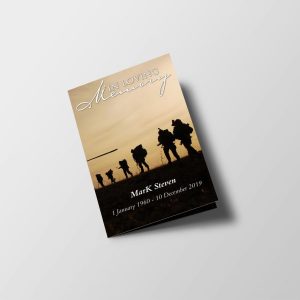
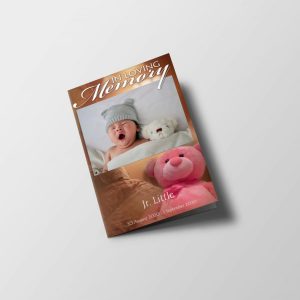

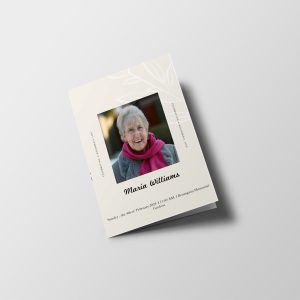

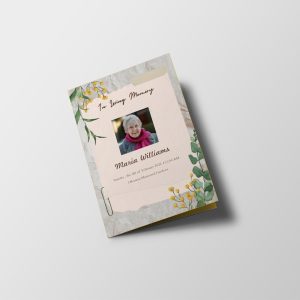
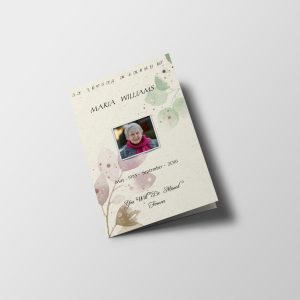
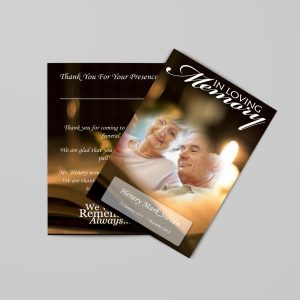
Add photos and family tributes
Booklets can include multiple pages of photo collages and space for family tributes. The number of pages you use can vary—typically it’s based on your printing budget.
Using Microsoft Word for booklet creation
If you plan to use Microsoft Word, it may require extra planning. Word does not create booklets automatically.
Once you’ve followed a helpful tutorial or training resource for setting up and printing, you’ll typically find it easier to produce the booklet correctly.
Printing funeral booklets at home
If you’re printing from your own home printer, a double-sided (duplex) printer can help—it prints both sides at the same time.
If you don’t have a duplex printer, you’ll likely need to flip the page to print on the opposite side.
Frequently asked questions
What is a funeral booklet?
A funeral booklet is multiple sheets of paper (often letter size) folded together to form a booklet. It’s used to hold important events, accomplishments, and memorial tributes.
Do I need to create a funeral booklet from scratch?
Not necessarily. Using a funeral booklet template can reduce the amount of layout work—especially helpful during a short planning time window.
Can I include photos and tributes in a booklet?
Yes. You can include multiple pages of photo collages and add family tributes within the booklet.
Can Microsoft Word create booklets automatically?
No. Word does not create booklets automatically, so you may need to plan more carefully and follow tutorial guidance.
What’s the easiest way to print a funeral booklet at home?
If possible, use a printer that can print both sides automatically. If not, you’ll need to flip the page to print on the opposite side.
Next step: Choose the template option above, then add your text and photos. Keep your page count aligned with your printing budget.