
How to Write a Funeral Program Obituary
Writing an obituary for a funeral program can feel difficult when you are grieving. A simple structure can help you share the important details of a life while making space for the memories, relationships, and qualities that made your loved one unique.
Use the outline below as a starting point, then choose a format that gives you room for the tribute, photos, service information, and other details you would like to include.

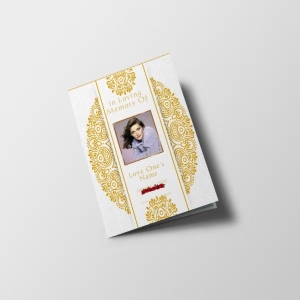
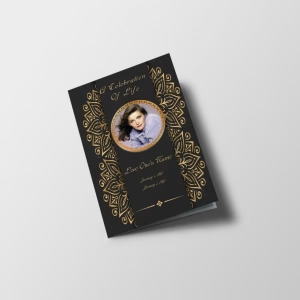
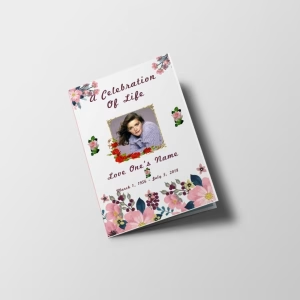
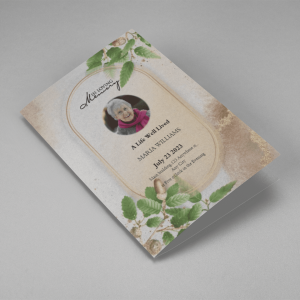
Funeral obituary templates
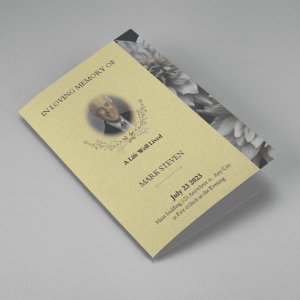
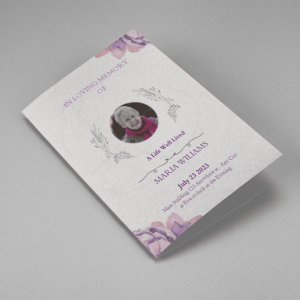
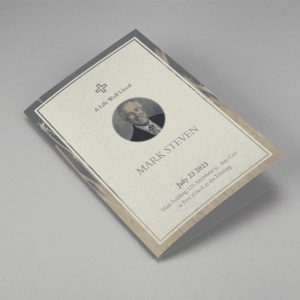
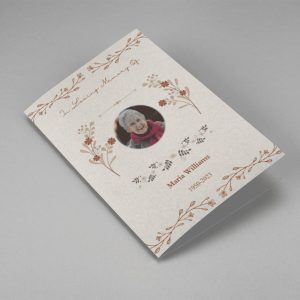
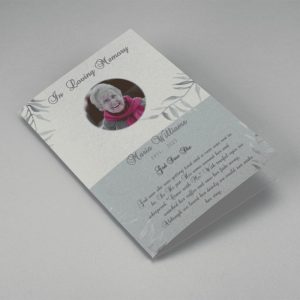
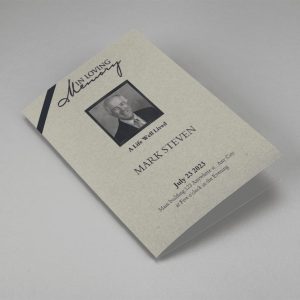
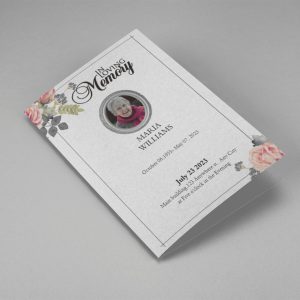
Choose a funeral obituary template to begin creating a memorial program online. You can use a template or upload a background, add text and photos, and save the finished memorial program as a PDF for printing.



A simple funeral program obituary outline
You do not need to include every detail. Focus on the information and memories that feel most meaningful to the people who will read the program.
- Begin with an introduction. Share the person’s full name and a brief statement about who they were or the impact they had on others.
- Include key life details. You may include their date and place of birth, date of passing, education, career, interests, and meaningful accomplishments.
- Describe their character. Add a favorite memory, anecdote, quote, or a few words that reflect their values, personality, or sense of humor.
- Recognize family and loved ones. Name the people who were important in their life, using the relationships and wording the family prefers.
- Share service information. Include the date, time, and location of the funeral or memorial service, along with any special requests or traditions.
- Close with thanks or a final message. A brief expression of gratitude, comfort, or remembrance can provide a thoughtful ending.
Funeral program obituary example structure
Adapt this framework in your own words. Keep it as short or as detailed as the space in your program allows.
[Full Name] was born on 2026 in [place] and passed away on 2026. They were known for [personal quality, passion, or role in the family/community].
Throughout their life, [Name] found meaning in [career, hobbies, faith, service, or interests]. Those who knew them will remember [a memory, characteristic, or favorite saying].
[Name] is remembered by [family members and loved ones]. A [funeral or memorial service] will be held on 2026 at [location].
The family is grateful for the love and support shared during this time.
What to include—and what to leave out
An obituary in a funeral program is often a personal keepsake as well as a service guide. Include the details that help people recognize and remember the person being honored.
- Confirm names, dates, and service details before printing.
- Ask close family members whether there are important relationships, achievements, or traditions to include.
- Use specific memories instead of trying to summarize every part of a life.
- Choose language that feels natural to your family; the tribute does not need to sound formal to be meaningful.
- Review the final copy with another person for accuracy, clarity, and sensitivity.
Create the funeral program
Once your obituary is ready, add it to a funeral program with photographs, an order of service, or other memorial content you wish to share.
Start a memorial program project online
Frequently asked questions
How long should a funeral program obituary be?
Keep the obituary to a length that fits comfortably in your program layout. A short tribute can include essential life details and a personal remembrance, while a larger program may allow room for more memories and family information.
Is a funeral program obituary different from an online obituary?
A funeral program obituary is usually written for people attending the service and may appear alongside photographs, service details, and other memorial content. You can adapt the same tribute for an online obituary if desired.
What details should I confirm before printing?
Review the spelling of names, dates of birth and passing, family relationships, and the date, time, and location of the service. It can be helpful to have a family member or friend review the final version as well.
Can I include a personal memory in the obituary?
Yes. A short anecdote, favorite quote, or detail about the person’s interests can make the obituary feel more personal and help capture their character.
What can I add to a funeral program besides the obituary?
Depending on the format you choose, you may include photos, service details, an order of service, or other memorial content that feels appropriate for your loved one.
Memorial program sizes and design help
QuickFuneral’s Card Designer can be used to create memorial programs online in different sizes. You can add text boxes, arrange them in your layout, upload photos, and use the eraser and masking tool to blend a photo into the background. When you finish editing, you can save the program as a PDF and print it on your printer or take the file to a nearby printing shop.
Add a review
Your email address will not be published. Required fields are marked *